The long version

Everything Latent does

Latent turns a written prompt into posts ready to send: the pictures, the captions that go with them, and the send to every account you connect.

Generating

Write the prompt. Press once.

One prompt describes what the pictures should be, and every post you compose draws on it. Press Generate and each empty slot fills from that one description: up to ten pictures at a time, each already at the shape its platform expects.

  • Your own photos steer it

    Attach up to nine pictures of your product and every run reads them. The jar keeps its shape, the label keeps its words, the glaze keeps its colour, while the scene around them changes.

  • The words come with the pictures

    The same prompt writes the caption and the first comment. It fills what is blank and leaves what you wrote alone, and any one field can be rewritten on its own without disturbing the rest.

  • Three qualities, and you pick

    Low, medium or high, set once alongside the prompt and used by every picture that draft makes. A cheap run while you are still trying things, a good one for the picture that actually goes out. Choosing is on the paid plans; free generates at low.

  • Everything you make is kept

    Generated or uploaded, every picture lands in one private library that any post can draw on. Bringing your own costs nothing.

The look

Pick one of ten looks

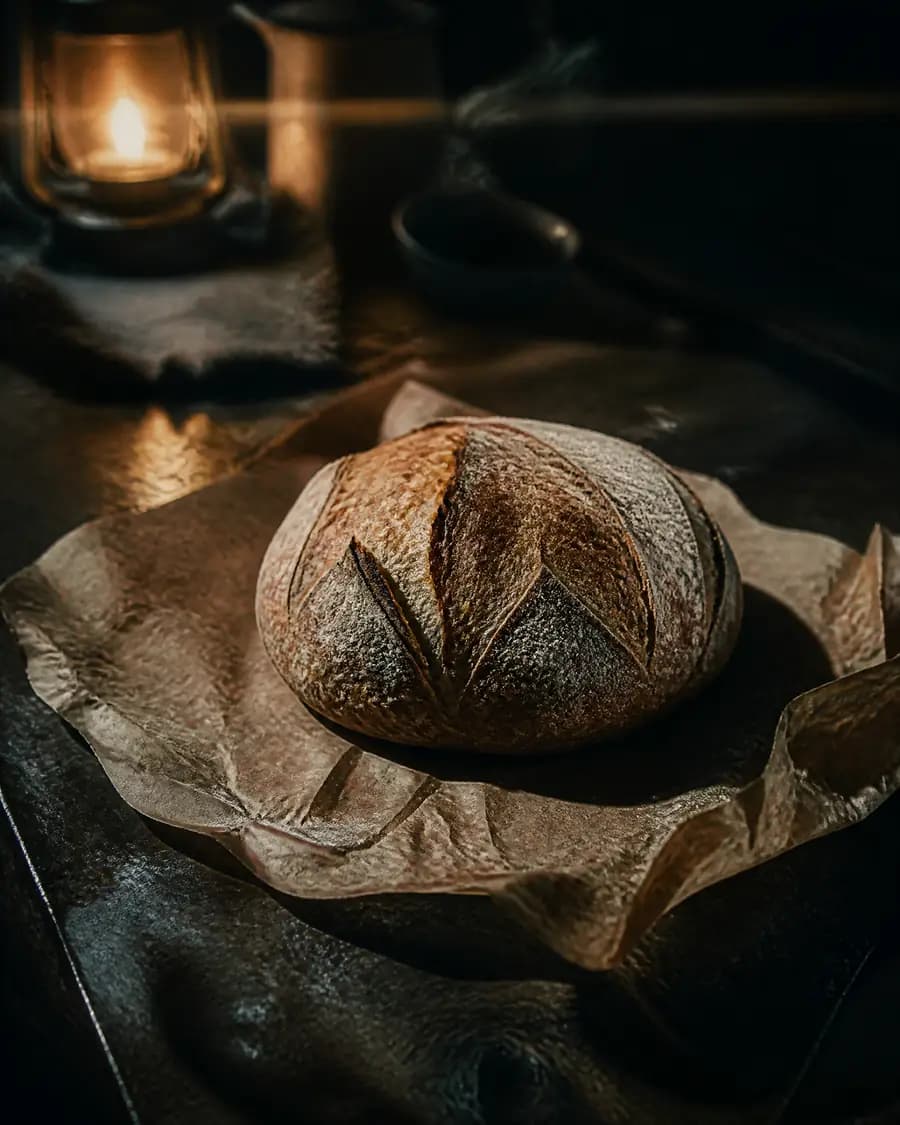
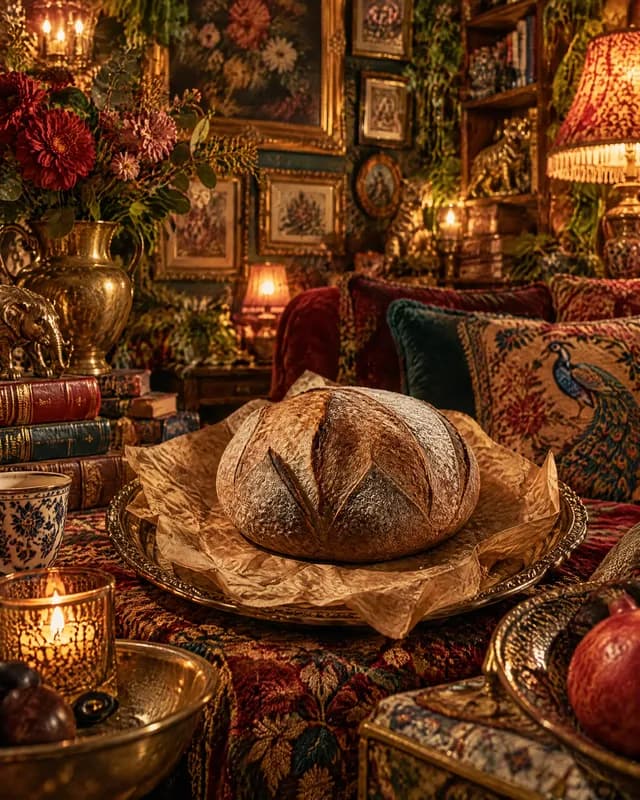
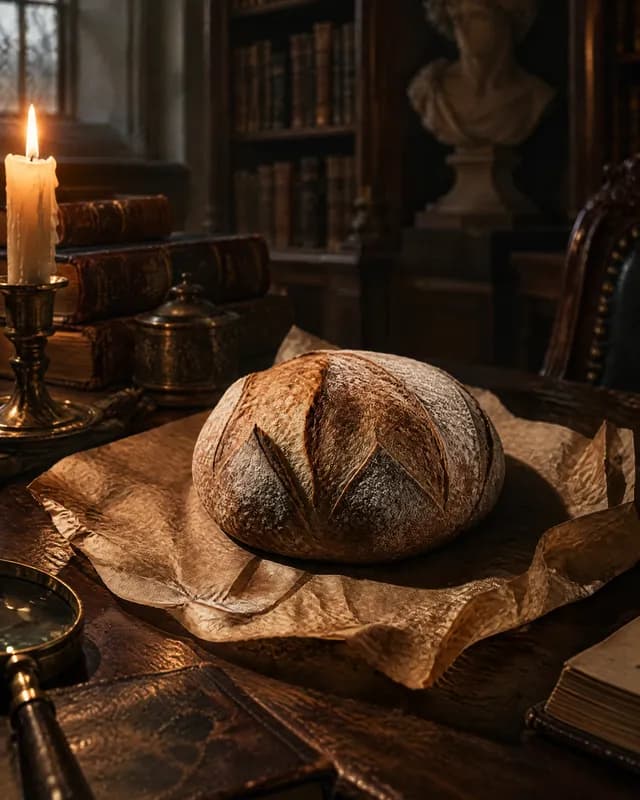
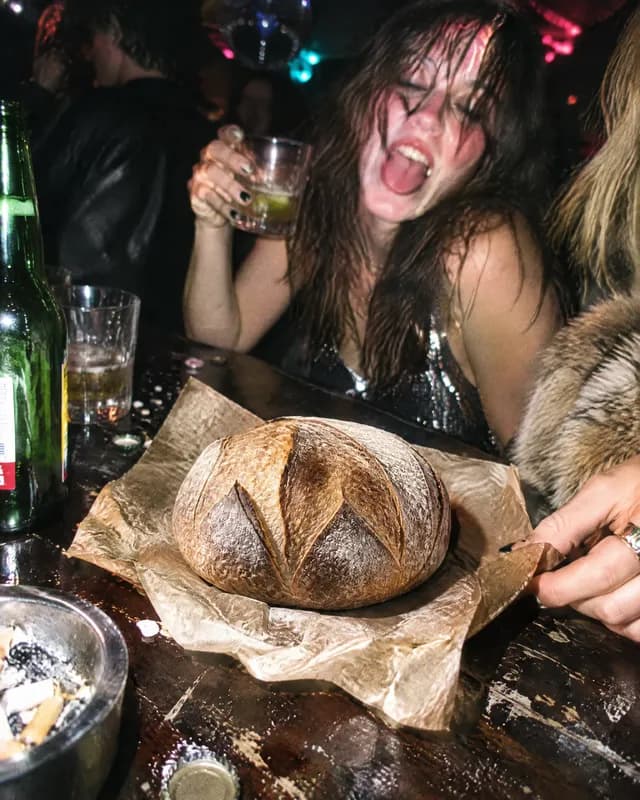
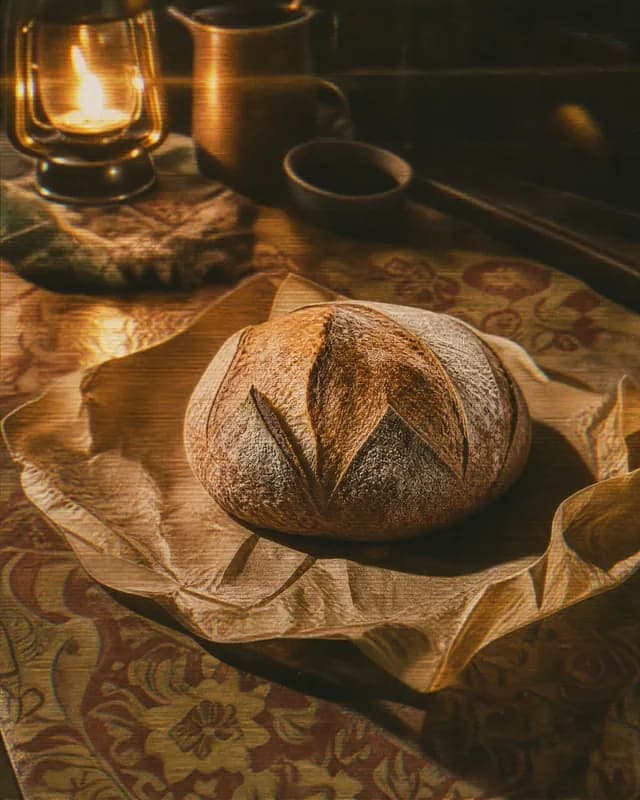
A publication has one look and every picture in it takes that look, so a month of posts arrives matching rather than as ten pictures that happen to share a subject.

  • The ten, by name

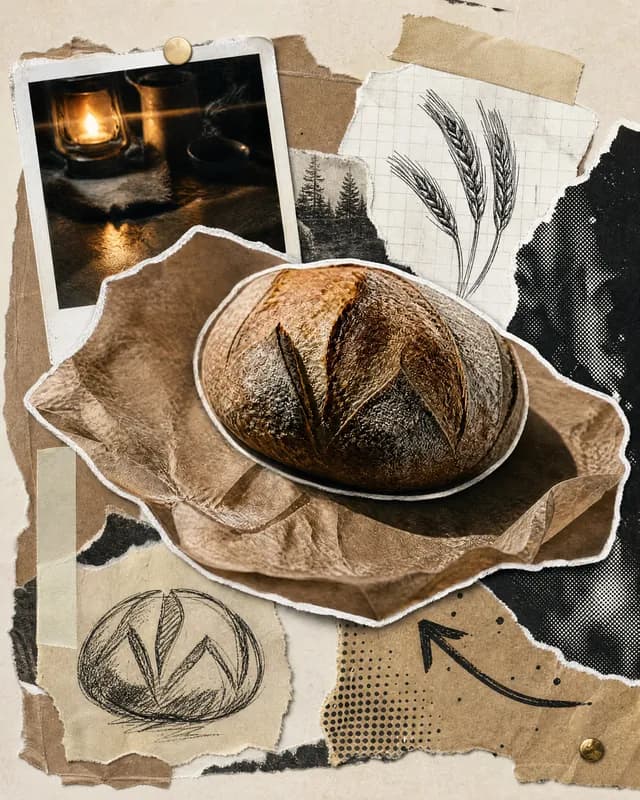
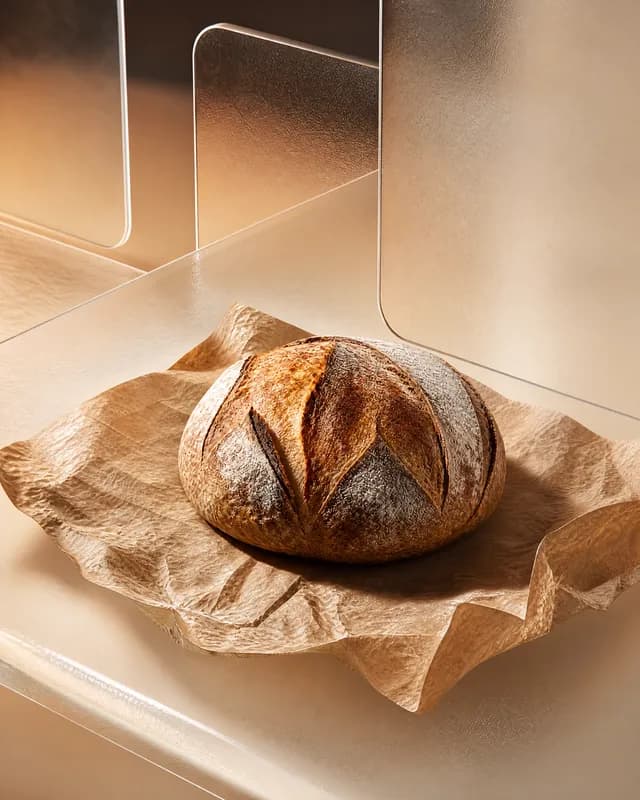
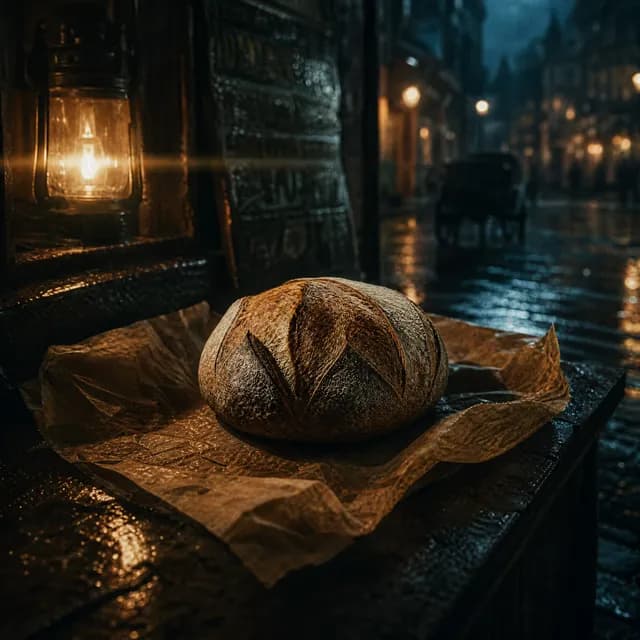
    UGC, Bold type, Minimal, Quiet luxury, Cinematic, Flat lay, Retro, Pastel gradient, Scrapbook and Glass 3D. Choose from the gallery, from a menu beside the draft, or by asking the assistant to suggest one.

  • It reaches the pictures you brought

    A photograph of your own takes the look too, so your shots and the generated ones do not sit side by side looking like they came from two different places.

  • Change the look later; you approve it first

    Switch the look later and every picture already made is offered for conversion, counted for you before anything is charged. Decline and they stay exactly as they are, and only new pictures come back in the new look.

Editing

Change the one thing that is wrong

A picture that is nearly right is worth fixing, not replacing. You change the part that is wrong and keep the rest.

  • Only what you painted changes

    When a picture is nearly right, paint over the part that isn’t and describe the replacement. Everything outside your strokes comes back exactly as it was. Leave the brush alone and your description edits the whole picture instead.

  • Extend the frame instead of cropping it

    A square feed image becomes a story without cropping. Latent extends the canvas and keeps every original pixel, so one good picture can be published at each platform’s shape.

  • Keep going, or go back

    Each edit can be the starting point for the next, and the original is one press away at any point along the chain. An edit that would make no difference is refused before it is charged for.

  • Or ask for that one again

    A single slide in a carousel can be run again on its own, with a note about what should be different this time, while every other slide stays where it is.

The assistant

Type a rough first line

The assistant works on your draft directly: what it says lands as real changes, and you can take the controls back at any point without waiting for it to finish.

  • One question at a time

    It asks for what it still needs before anything runs: which platforms, what the pictures should show, how many, what the caption says. The draft fills in as you answer.

  • Hand it a photograph and say what it is for

    Drop a picture into the conversation and tell it whether that is the post itself, something you want edited, or a reference for the pictures to follow. It files it accordingly and carries on.

  • Spending waits for your yes

    Anything that would use credits stops and asks you first.

  • The draft only grows

    It cannot switch a platform off, empty a slot you filled, or throw away work you have done.

Publishing

Post to every account at once

One draft targets Instagram, Facebook and LinkedIn at once. A feed post and a story are two posts, each with its own caption and its own moment.

  • Connect once, and see the state of it

    Link Instagram, Facebook and LinkedIn from inside the studio. Connect as yourself or as a company page on LinkedIn, and as a Page on the other two. Each connection shows whether it is live and can be renewed where it stands, and it is checked again on the way out, so a lapsed connection is caught before the send and not after it.

  • Now, at a time, or in the queue

    Send straight away, choose a time and the time zone, or drop the post into your weekly queue and let it take the next open slot A draft can sit as long as you like.

  • Nothing leaves with a problem in it

    A caption over the limit, a carousel too short, an account not connected, a picture at the wrong shape: each is named before anything is sent, on the post it belongs to. On the way out every picture is refitted for where it is going.

  • Switch a platform off without losing the work

    A platform you turn off keeps everything composed for it and simply does not publish. The words, the pictures and the shape all stay. Before a send goes out you are told exactly which of those posts it is about to discard.

Afterwards

You can see what happened

Everything you have made sits in one list, drafts and sent posts alike, newest first. Open one that went out and it tells you how it did.

  • The numbers are there, and so is the post

    Reach, likes and comments for each one, with a link through to it on the platform.

  • A failure says which platform, and why

    Whatever went wrong is named plainly, whether that is an expired connection, a post the platform refused or a limit you hit. The platform’s own message sits under it, instead of a code to go and look up.

  • One press to try again

    Retry everything that failed at once, or turn the failures into a fresh draft with the work already in it. Anything that did publish is never sent twice.

Free beta

That is the whole studio

It is open. Latent is free while it is in beta. Bring your own photographs, make the pictures, send the posts, and everything you make stays yours.

Try Latent free

No card. Free while in beta.