Your product stays your product
Attach your own reference photos and every generation reads them. The jar keeps its shape, the label keeps its words, the glaze keeps its colour, while the scene around them changes.
Tell the AI assistant what you need and it handles the rest: images, captions, and posts ready to send. Your own photos steer every image, so your product keeps its label, its shape, its finish.
One product, ten looks
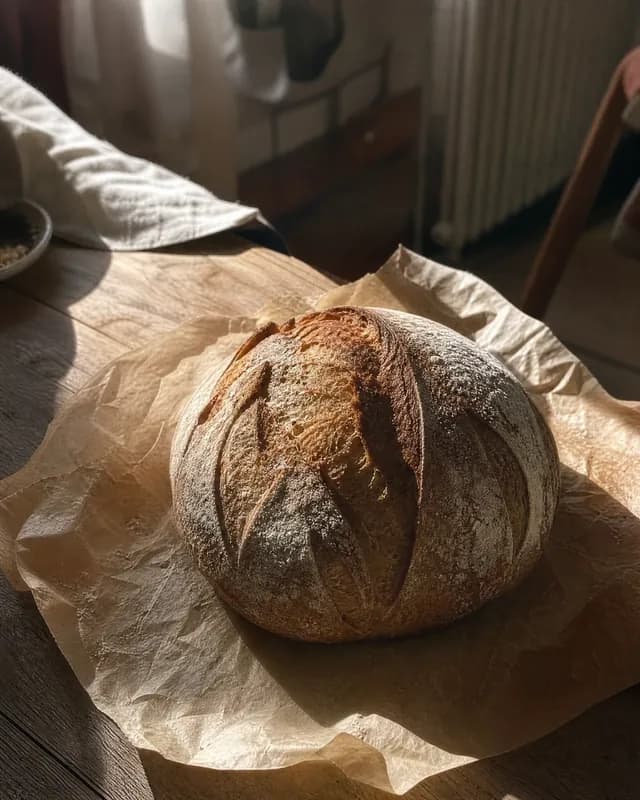
UGC
Authentic, phone-shot feel
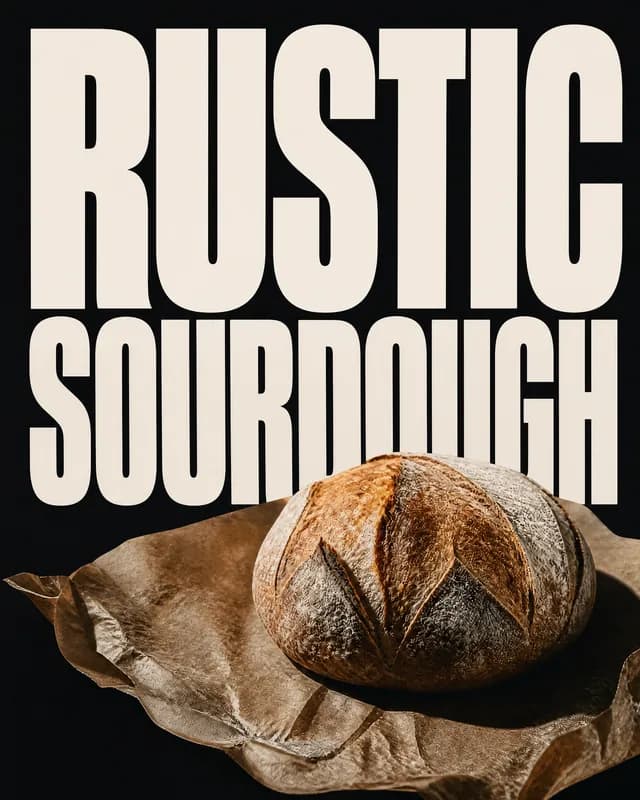
Bold type
Headline as the hero
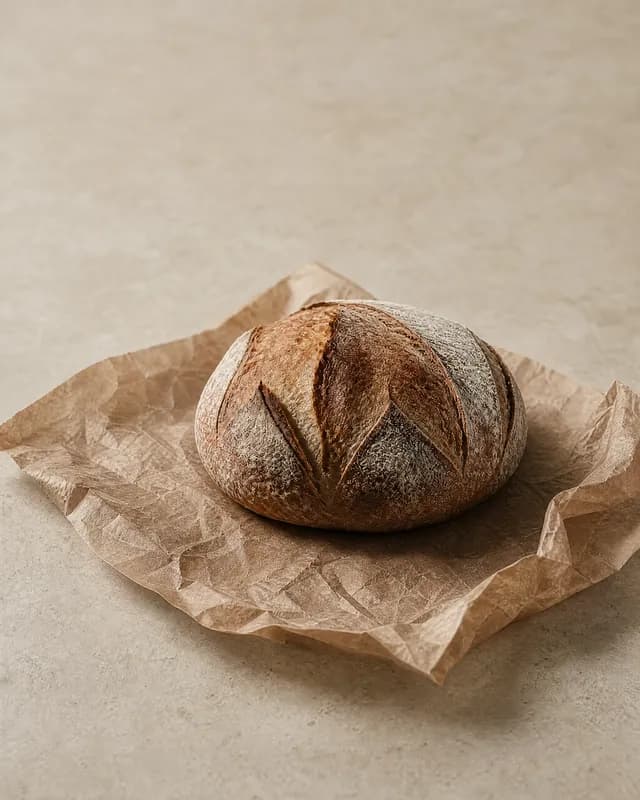
Minimal
Whitespace and a single hero
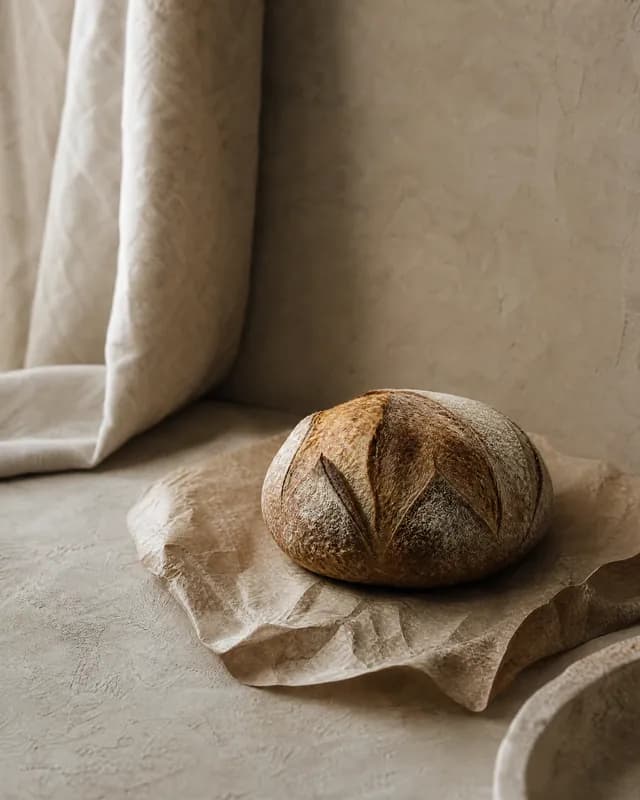
Quiet luxury
Muted, tonal, understated
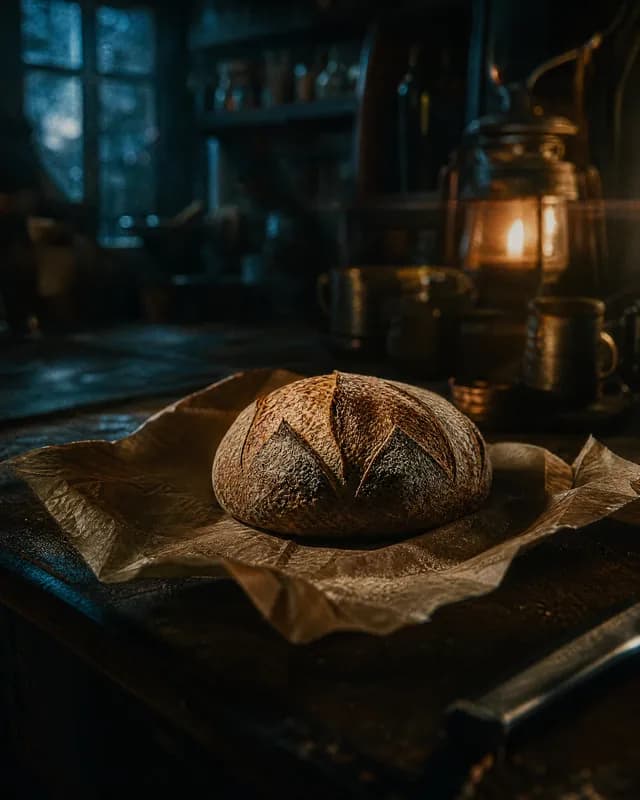
Cinematic
Filmic light & depth
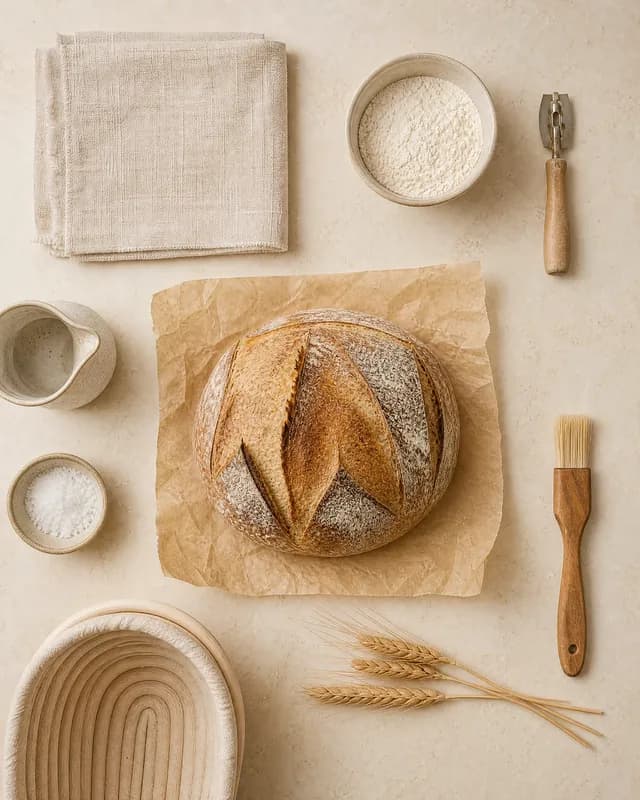
Flat lay
Overhead, styled, coordinated
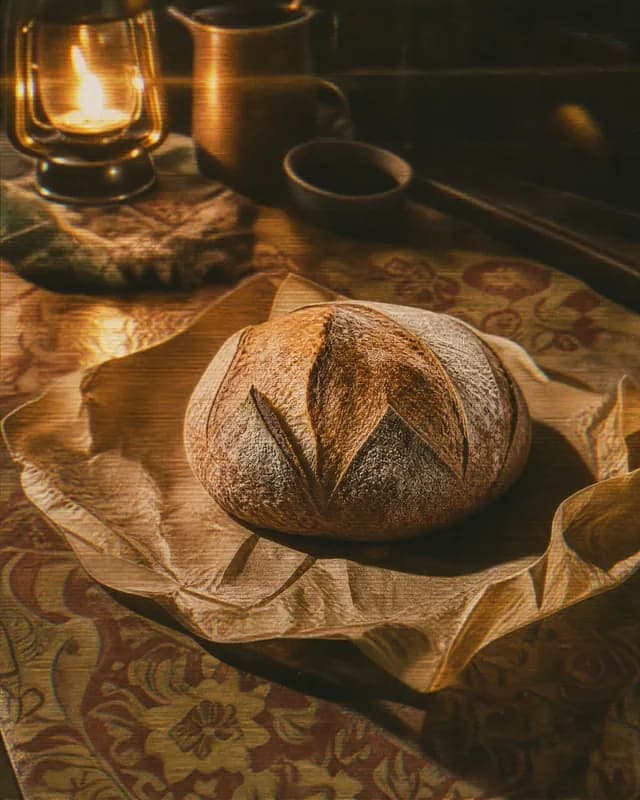
Retro
Analog grain & nostalgia
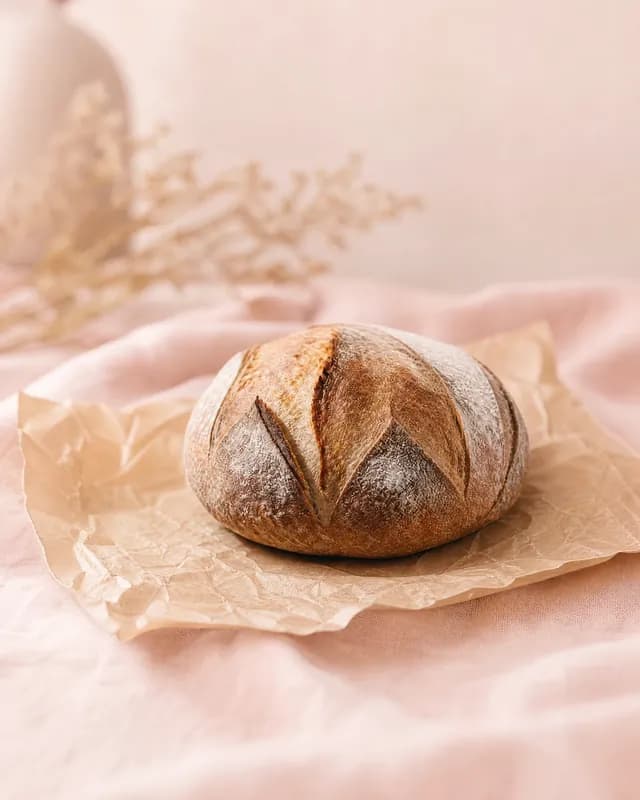
Pastel gradient
Soft gradients, gentle colour
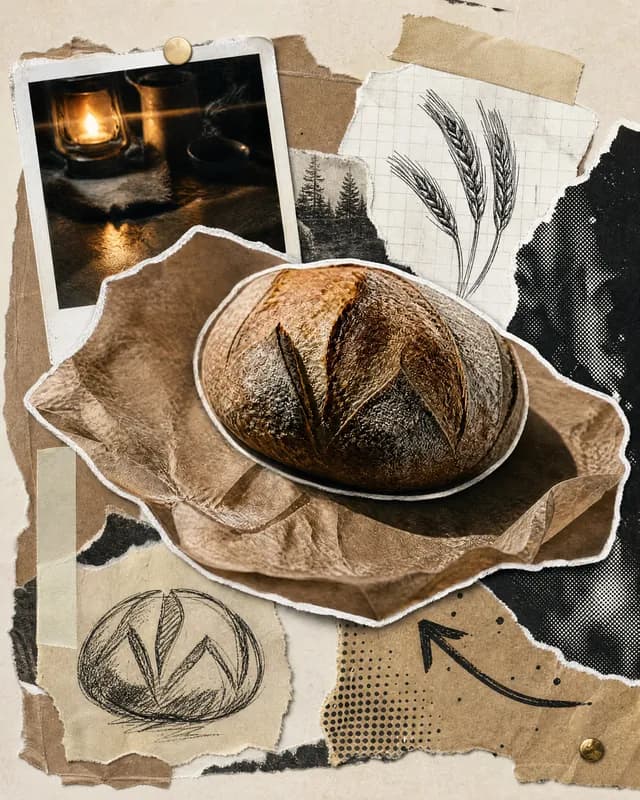
Scrapbook
Cut-paper collage energy
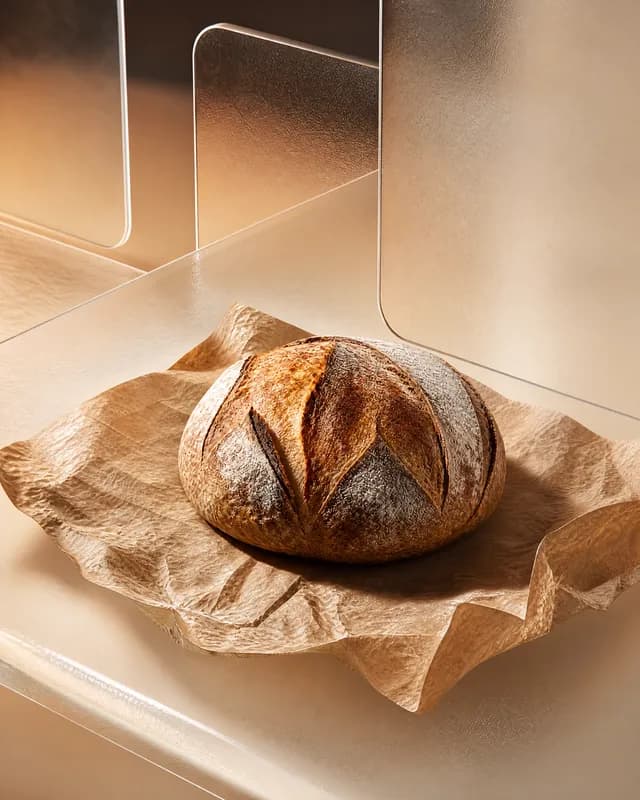
Glass 3D
Rendered forms, glassy light
Your photos go in, one prompt runs, and every post comes back with its picture and its caption. This is the studio at work.
Generated in the studio from a prompt and a look, shown as they came out.
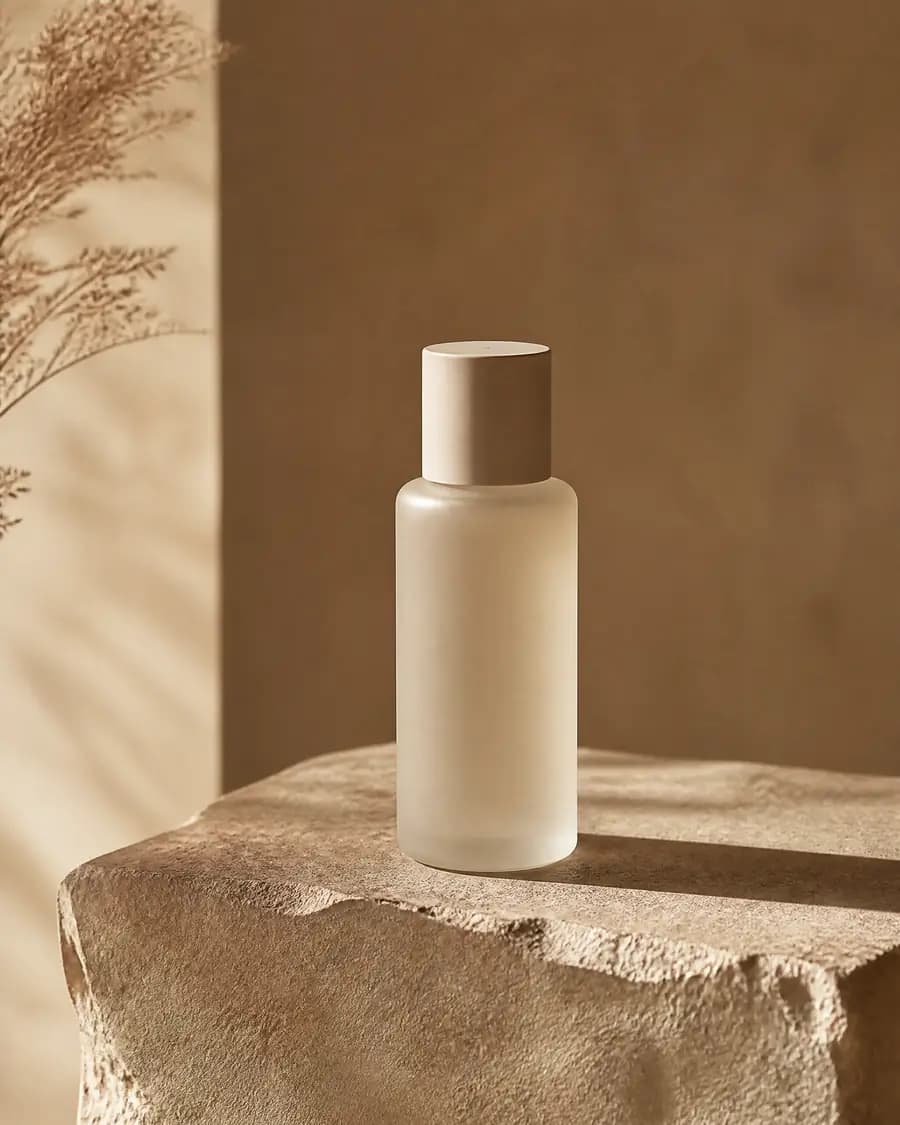
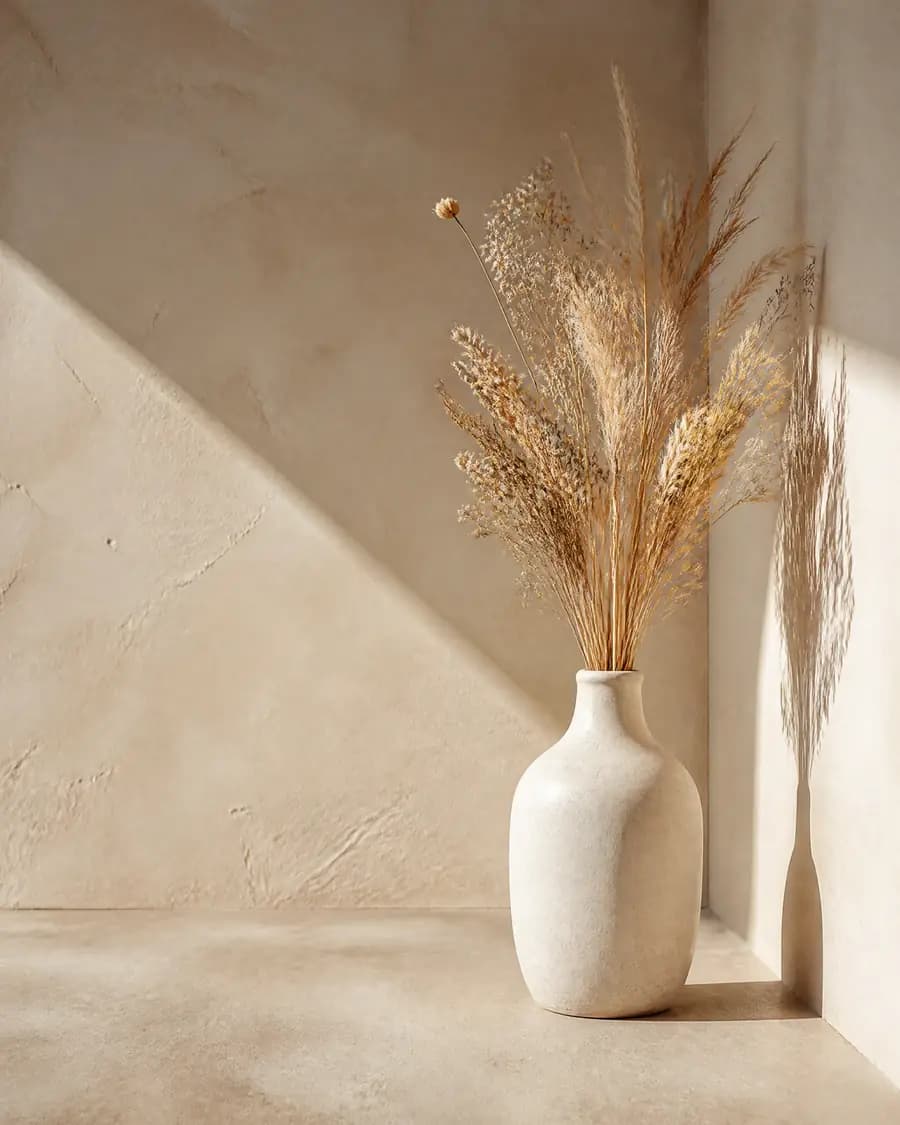
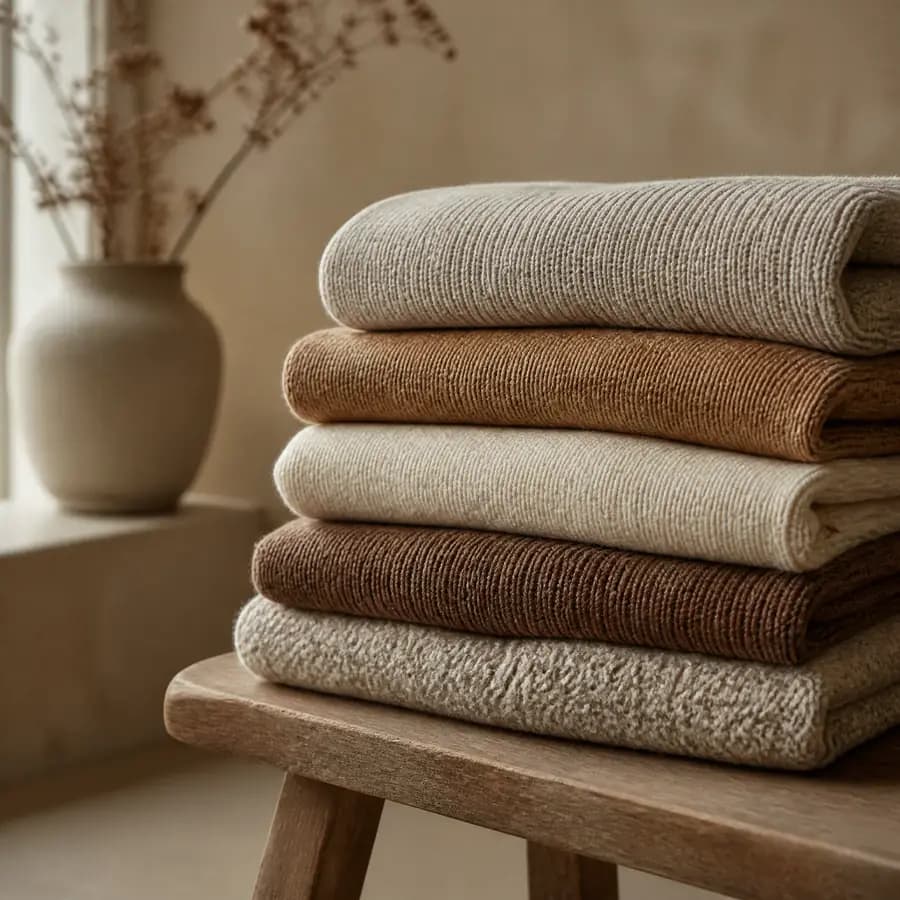
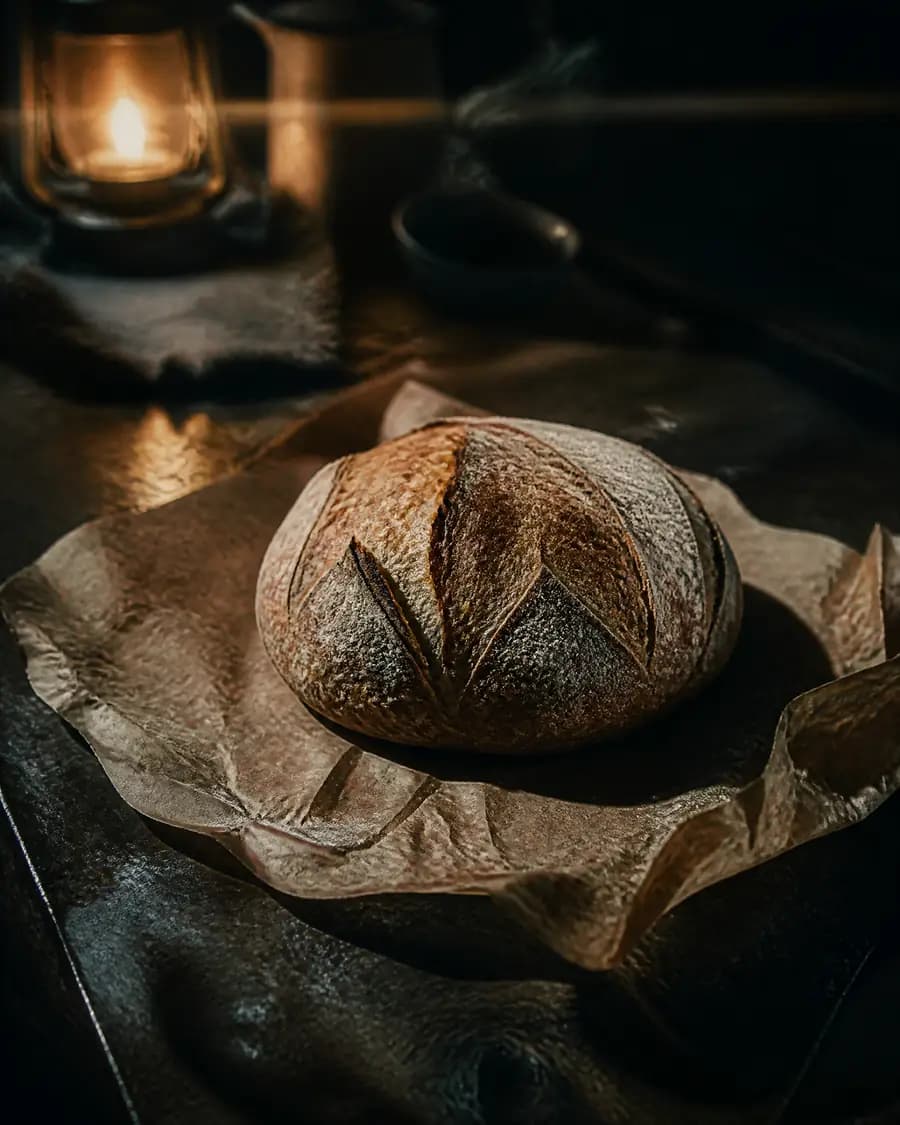
Captions and hashtags are written from the same prompt, one for each platform, ready to edit or to send as they are.
See how it worksIn one line
Latent turns a prompt into a month of social posts. Images steered by your own photos, captions written to match, ready to publish.
How it works
Four steps, one place. Nothing leaves the studio between them.
Type what the pictures should be: “the matcha latte in a handmade cup, pale linen, morning window light.” Pick one of ten looks. Add up to nine of your own photos so the product stays yours. Set it once; every run reads it.
One press fills a post’s empty image slots, up to ten pictures at a time, each at the shape its platform expects. The prompt and settings behind a good batch are kept with it, so it can be run again.
Generated or uploaded, every image lands in one private library. Reuse a good one across posts, or hand it back as a reference to steer the next batch.
Pick the platforms, write or generate the captions, and publish now, at a chosen time, or at the next open slot in your queue. The file never touches your desktop.
What it does
Attach your own reference photos and every generation reads them. The jar keeps its shape, the label keeps its words, the glaze keeps its colour, while the scene around them changes.
When a picture is nearly right, paint over the part that isn’t and describe the replacement. Everything you liked stays exactly as it was.
A square feed image becomes a story without cropping. Latent extends the canvas and keeps every original pixel, so one good picture can be published at each platform’s shape.
One draft targets Instagram, Facebook and LinkedIn at once. A feed post and a story are two posts, each with its own caption and its own moment: now, a scheduled time, or the next slot in your weekly queue.
Ask the assistant
Type a first line and the assistant takes it from there, one small question at a time: platforms, pictures, captions. The draft builds as you answer, and going live stays your own press.
Open the studioWhy it’s built this way
Most image tools are designed around a single beautiful result. A social calendar is not one picture. It is thirty of them, on four shapes, in one look, out the door before Thursday. Latent is built around that.
A calendar is this month’s thirty pictures, not one. Latent works in batches, so thirty is an afternoon, not thirty sittings.
Making the picture and publishing it happen in one place. Nothing is exported, renamed, re-cropped or lost between two tools.
A post is a picture and a caption. Latent writes the words from the same prompt the pictures run on, and writes around anything you typed yourself, never over it.
Latent starts where the need is sharpest: one person, one brand, three platforms. More brands per account, teams, and more platforms are the road from here.
Early users
Four studios have been working in Latent since before it opened: a potter, a baker, a knitwear label and a skincare brand. First name and what they do, which is all any of them agreed to.
One good picture used to mean an afternoon of cropping it down into every shape a platform asks for. This extends the frame instead of cutting into it, so the feed post and the story are genuinely the same photograph. Both go out to all three accounts with their own captions.
It asks before it spends anything. That sounds small until you have used the ones that don’t.
I hand it three photos of the glaze and it stops guessing. The pot in the picture is the pot on my shelf. Same lip, same speckle, same weight to it.
We used to reshoot the whole set over one wrong shadow. Now I paint over the shadow, say what belongs there instead, and everything I already liked survives it.
Questions
An AI studio for social posts. You write a prompt; Latent makes the pictures, writes the captions and publishes them to Instagram, Facebook, LinkedIn, each at the shape the platform expects.
Yes, when you give it your photos. Attach up to 9 of them and every picture follows them: the same shape, label and finish. If one detail is still off, paint over it and say what belongs there; the rest stays as it was.
The whole studio in one place: prompts, batches of up to 10 pictures at a time, fixes, every shape, captions and a private library. Publishing, now, later or from a weekly queue, comes with a paid plan. Nothing spends credits without asking you first.
No. Type a rough first line and the assistant asks one short question at a time: where it is going, what the pictures should show, what the captions should say. The draft builds as you answer, and nothing goes live until you send it.
Only you, until you publish. Your photos and everything you make sit in a private library, and there is no public gallery or shared feed.
To make and publish, yes: your prompts, photos, library and connected accounts live in it. Signing up takes an email address and a password, and you can look around the studio before you do.
No. Latent runs in your browser. The pictures are made and published from the same place, so no file passes through your desktop.
The studio is open, and every account starts free. Everything you make stays yours.